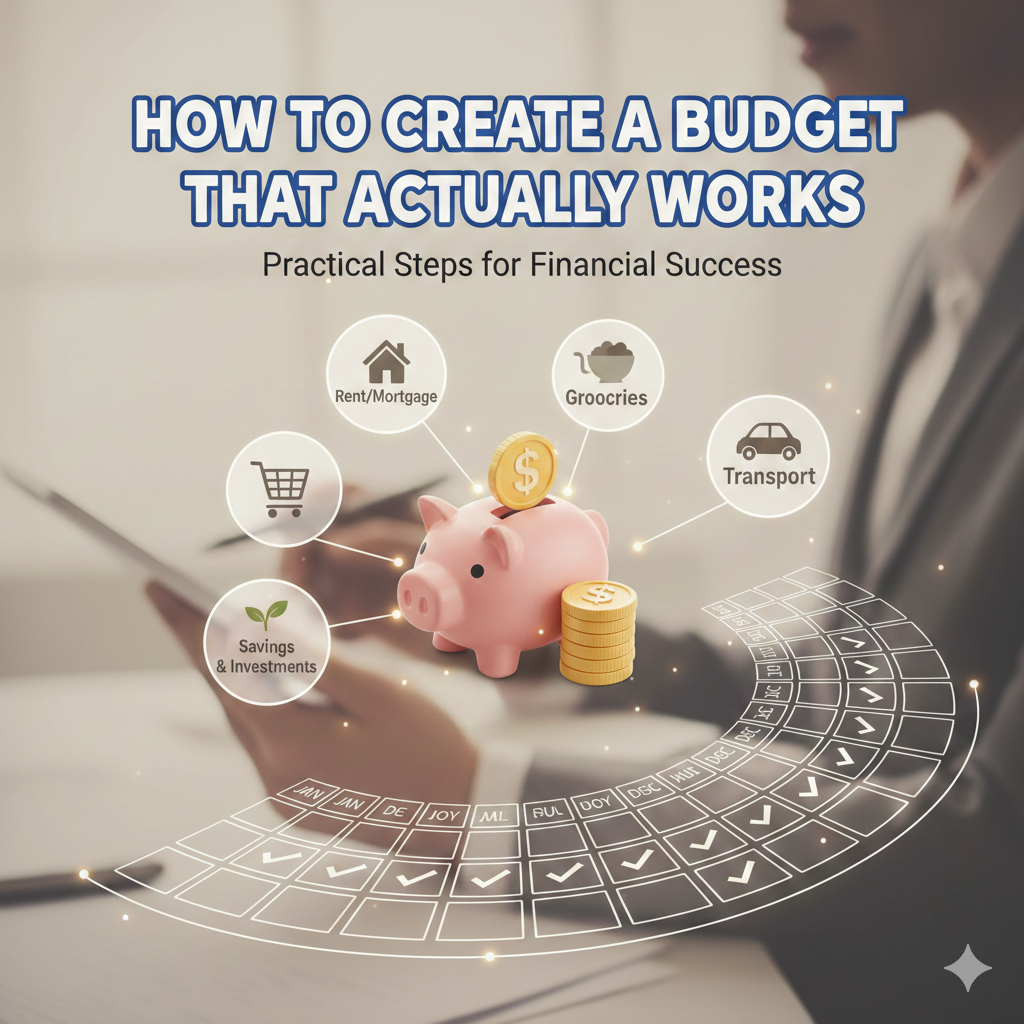
A no-nonsense, step-by-step guide for anyone who’s tried budgeting before — and given up.
Table of Contents
How to Create a Budget — And Actually Stick to It
Every January, millions of Americans sit down to create a budget. By March, most of those budgets are abandoned — sitting forgotten in a Notes app or a crumpled envelope in a kitchen drawer. Sound familiar? You are not the problem. The budget is. Most budgets are built on wishful thinking instead of real-life spending, and they collapse the second life gets messy.
The good news? Learning how to create a budget that you will actually follow isn’t complicated — it just requires the right approach for your life, not some textbook version of it. Whether you’re drowning in debt, saving for a house, or just tired of wondering where your paycheck disappeared to, this guide breaks it all down. No finance degree required.

Step 1: How to Create a Budget — Start With What You Actually Spend
Before you plan a single dollar, you need a clear picture of where your money is going right now. Not where you think it’s going — where it’s actually going. Pull up 2–3 months of bank statements and credit card history and categorize every transaction. Rent, groceries, subscriptions, that inexplicable $47 from a random app — all of it.
This exercise tends to produce one of two reactions: mild surprise or absolute horror. Either way, it’s the most important thing you can do when figuring out how to create a budget that works. You can’t set realistic spending limits if you’re working from fiction.
Quick win: Use a free app like Empower or NerdWallet to auto-categorize 90 days of spending in about five minutes. No spreadsheet required.
Step 2: Choose the Right Budgeting Method for Your Lifestyle
One of the biggest mistakes people make when they figure out how to create a budget is picking a method that doesn’t match how they actually live. A freelancer with a variable income shouldn’t use the same approach as a salaried employee with steady paychecks. Here’s a breakdown of the four most popular budgeting methods in 2026:
| Method | Best For | How It Works | Heads Up |
| 50/30/20 Rule | Beginners & salaried workers | Needs 50% | Wants 30% | Savings/Debt 20% | Too rigid for high cost-of-living cities |
| Zero-Based Budget | Detail-lovers & debt fighters | Every dollar gets a job; income minus expenses = $0 | Takes more time but gives total control |
| Envelope Method | Cash spenders & impulse buyers | Divide cash or app budget into labeled spending envelopes | Works best with Goodbudget app or physical cash |
| Pay Yourself First | Wealth-builders & savers | Automate savings on payday; spend the rest freely | Less spending control; pair with a tracker app |
Not sure where to start? The 50/30/20 rule is the easiest entry point for beginners. If you’re laser-focused on paying off debt or building real wealth fast, zero-based budgeting is where the serious results happen.
Step 3: Set SMART Financial Goals Before You Spend a Single Dollar
A budget without goals is just a list of restrictions. Goals are what give your budget a reason. When you’re learning how to create a budget that actually motivates you, SMART goals are your best friend — Specific, Measurable, Achievable, Relevant, and Time-bound.
Instead of: “I want to save more money.”
Try: “I will save $4,800 for an emergency fund by December 2026 by setting aside $400 every month.”
See the difference? One is a wish. The other is a budget line. Most modern budgeting apps have a built-in savings goals tracker that shows your progress visually — and there is something genuinely satisfying about watching that bar fill up month after month.
Step 4: Build Your Spending Categories for 2026
Part of knowing how to create a budget is knowing what to put in it. Here’s a realistic monthly breakdown for a single person earning around $60,000/year (take-home approximately $4,100/month) in a mid-cost U.S. city, using the 50/30/20 framework:
- Needs (50% = ~$2,050): Rent $1,200 | Groceries $350 | Utilities $150 | Transport $200 | Insurance $150
- Wants (30% = ~$1,230): Dining out $200 | Entertainment $100 | Subscriptions $80 | Clothing $150 | Personal care $150 | Misc $550
- Savings & Debt (20% = ~$820): Emergency fund $300 | Retirement/401k $270 | Debt payoff $250
Your numbers will differ — and that’s fine. The framework is the starting point. Adjust the percentages to match your real situation, especially if you live in a high cost-of-living city like New York, San Francisco, or Boston where rent alone can eat 40–50% of take-home pay.
How to Create a Budget With a Variable or Irregular Income
Freelancers, gig workers, commission earners — this section is for you. The standard advice about how to create a budget almost always assumes a predictable paycheck. Real life is messier. Here’s a system that actually works when your income bounces around:
- Use your lowest income month: Look at the past 6 months. Budget based on your lowest earnings, not your average or best month.
- Build an income buffer: Open a separate savings account as a holding tank. Park any overage from good months there. Withdraw from it during slow months.
- Prioritize fixed expenses first: Rent, insurance, and minimum debt payments get paid before anything else — no exceptions.
- Use apps built for this: YNAB and EveryDollar both handle irregular income far better than standard spreadsheet templates.
Should Savings and Debt Payoff Come First in Your Budget?
Short answer: yes, always. When you learn how to create a budget the right way, savings and debt payoff are not afterthoughts — they are budget lines that get funded first, before discretionary spending. This is the concept of paying yourself first, and it is one of the most powerful shifts in personal finance.
A smart priority order:
- Emergency fund first — aim for 3 to 6 months of essential expenses
- High-interest debt — anything above 7% APR should be attacked aggressively
- Employer retirement match — always contribute enough to capture the full employer match. That’s free money.
- Other savings goals — house down payment, car, vacation, whatever matters to you
Apps like Rocket Money and YNAB include a debt payoff planner that lets you visualize the snowball vs. avalanche payoff strategies side by side — genuinely useful for staying motivated on a long debt payoff journey.
How to Track Monthly Expenses Without It Feeling Like a Second Job
Tracking expenses is where most people abandon their budget — and honestly, that’s fair. Manually logging every coffee and gas station stop is exhausting. But in 2026, you barely have to lift a finger. A good personal finance tracker app syncs directly with your bank accounts, categorizes your transactions automatically, and flags anything unusual. You review once a week, make any adjustments, and move on.
The five things every budget should track each month:
- Fixed expenses: rent/mortgage, insurance, subscriptions, loan minimums
- Variable necessities: groceries, gas, utilities — these shift month to month
- Discretionary spending: dining, entertainment, shopping, travel
- Savings contributions: emergency fund, retirement, goal accounts
- Debt payments: credit cards, student loans, car loans — track progress monthly
How to Create a Budget That Basically Runs Itself
The single best thing you can do after learning how to create a budget is automate it. A budget that requires constant manual effort will eventually get skipped. Here’s a simple four-step automation stack that handles 80% of the work for you:
- On payday, auto-transfer a fixed amount to your savings account before you see it
- Set all fixed bills to auto-pay so they’re handled without thinking
- Turn on weekly spending alerts in your budgeting app so you stay aware without obsessing
- Schedule a monthly 20-minute review — look at what happened, adjust any categories that are off, and reset
Apps like Tiller (Google Sheets auto-sync), YNAB, and Monarch Money all make this kind of automation seamless. Set it up once and your budget essentially manages itself.
How to Create a Budget That Doesn’t Fall Apart
Most budgets fail not because of math — but because of behavior. Here are the five most common reasons budgets collapse, and exactly how to prevent each one:
- Unrealistic spending limits: Setting a $150 grocery budget when you actually spend $400 sets you up to fail from day one. Start with your real spending, then reduce by 10-15% each month.
- No monthly review: A budget you set in January and never touch again is a wish list, not a plan. Schedule a recurring calendar reminder — 20 minutes, once a month.
- Forgetting irregular expenses: Car registration, holiday gifts, annual subscriptions, dentist visits — build a sinking fund category for these so they don’t blow up your budget when they arrive.
- All-or-nothing thinking: One overspent week doesn’t ruin the whole budget. Treat it like a detour, not a destination. Reset and continue.
- Zero accountability: Tell a partner or close friend about your goals, or use an app like Monarch Money with shared goal features. External accountability dramatically improves follow-through.
Best Budgeting Apps to Help You Create a Budget in 2026
The right tool makes knowing how to create a budget ten times easier. Here’s a full comparison of the best budgeting apps and tools available in 2026, from free starters to full-featured premium platforms:
| App / Tool | Price | Why It Stands Out |
| YNAB (You Need A Budget) | $14.99/mo | Zero-based budgeting that assigns every dollar a job. Best for goal-driven users serious about debt payoff. |
| Monarch Money | $14.99/mo | Net worth dashboard, AI-powered insights, and shared goals — ideal for couples managing finances together. |
| PocketGuard | $7.99/mo | Shows exactly what’s ‘in your pocket’ after bills and savings. Great for overspenders who need a ceiling. |
| Rocket Money | $4–$12/mo | Cancels unused subscriptions, negotiates bills, and tracks net worth. Pays for itself fast. |
| Quicken Simplifi | $3.99/mo | Clean dashboard with spending plans, watchlists, and custom reports — a power user’s dream at a low price. |
| EveryDollar | Free / $17.99/mo | Dave Ramsey’s zero-based app. Free version is solid; premium adds automatic bank sync. |
| Goodbudget | Free / Premium | Digital envelope budgeting for people who prefer cash-style control without carrying cash. |
| Empower | Free | Best free option for net worth tracking and investment overview alongside budgeting basics. |
| Tiller | $79/yr | Auto-syncs transactions into Google Sheets or Excel. A dream for spreadsheet lovers. |
| Copilot | $7.92/mo | AI-driven spending insights and smart subscription management. Sleek and intuitive interface. |
| NerdWallet App | Free | Free cash flow tracker with personalized advice — great starting point for total beginners. |
| Lunch Money | $10/mo | Highly customizable categories with forecasting tools. Privacy-focused and developer-friendly. |
| Budget Planner 2026 PDF | $5.99 one-time | 115-page printable planner from Etsy — perfect for analog budgeters who prefer pen and paper. |
Top budgeting apps for 2026 — find the right tool for your style and goals.
Pro tip: Almost every app above offers a free trial. Test two or three over a weekend before committing. The best budgeting app is simply the one you will actually open.
Read :
Can Free Apps or Spreadsheets Replace Paid Budgeting Tools?
Absolutely especially when you are just starting out. A free budget spreadsheet in Google Sheets with manual entry can work just as well as any paid app, provided you’re disciplined enough to update it. Tools like Empower, NerdWallet, and Credit Karma offer solid free budgeting features with automatic transaction syncing.
Where paid apps earn their price tag: automation, investment tracking, couple-friendly dashboards, and detailed reporting. If a $10/month app prevents even one missed payment or impulse purchase, it has already paid for itself. When you figure out how to create a budget that fits your situation, the cost of the tool is usually the last thing standing between you and real financial progress.
How Often Should You Review Your Budget?
At a minimum, once a month. But there are key life moments that should trigger an immediate budget update no matter where you are in the year:
- Starting a new job or receiving a raise — revisit every spending category
- Moving to a new city — housing and transport costs often shift dramatically
- Adding a dependent — baby, elderly parent, new pet all change the math
- Paying off a debt — redirect that monthly payment immediately to savings or the next debt
- Major life event — marriage, divorce, medical emergency, job loss
Think of your budget as a living document. The moment it stops reflecting your actual life is the moment it stops working. Knowing how to create a budget is only half the skill knowing when to update it is the other half.
Frequently Asked Questions About How to Create a Budget
What is the first step in creating a budget?
The first step is always auditing your current spending. Before you can set targets, you need to know your starting point. Pull 2-3 months of bank and credit card statements and categorize every transaction honestly. Most people find at least one or two major spending surprises hiding in there.
Which budgeting method is best for beginners?
The 50/30/20 rule is the most beginner-friendly method for learning how to create a budget. It’s simple, flexible, and doesn’t require tracking every single dollar. Once you’re comfortable, you can layer in more detail with zero-based budgeting.
How do I budget with a fluctuating income?
Budget based on your lowest income month from the past six months — not your average. Open a buffer savings account to hold excess earnings in good months and draw from it when income dips. Apps like YNAB are specifically built to handle variable income gracefully.
How do I set SMART financial goals within a budget?
Make every goal Specific, Measurable, Achievable, Relevant, and Time-bound. Instead of ‘save more money,’ write ‘save $5,000 for a vacation fund by December 2026 by setting aside $417 per month.’ Then build that $417 into your monthly budget as a non-negotiable line item.
Should I include debt payoff in my budget first?
Yes. High-interest debt (anything above 7% APR) should be treated like a fixed expense it gets paid before discretionary spending. Use a dedicated debt payoff planner feature in apps like Rocket Money or YNAB to track your progress and stay motivated.
How do I automate my budget?
Set up automatic transfers to savings on payday, auto-pay for all fixed bills, and weekly spending alerts through your budgeting app. Then schedule a monthly 20-minute review. With automation in place, most of your personal budget runs without you having to think about it daily.
The Bottom Line: Your Budget Is Your Permission Slip
Here is the mindset shift that makes all the difference: a budget is not a restriction. It is permission. When you know how to create a budget that accounts for your real life your income, your goals, your spending habits, your weaknesses you stop guessing and start deciding. You can spend freely on the things that matter because the important stuff is already handled.
Start with one method. Download one app. Spend 20 minutes with your bank statements this weekend. Review it once a month. That is genuinely all it takes to build a budget that works not a perfect budget, but a working one. And a working budget beats a perfect spreadsheet every single time.
The best time to learn how to create a budget was last year. The second best time is right now.

Ready to Take Control of Your Money?
Start your free trial of YNAB or Monarch Money today most people see a clear difference in their spending within the first month. Found this guide helpful? Share it with a friend who needs a financial reset, and leave a comment below: what’s your biggest challenge when it comes to budgeting?